Invoice Maker
Invoices in a minute. Pay once.
- iOS 17+
- iPhone & iPad
- English + 中文
- One-time purchase
One-time purchase · No in-app purchases · No subscription
Features
Everything an invoice needs. Nothing it doesn't.
Three steps to an invoice
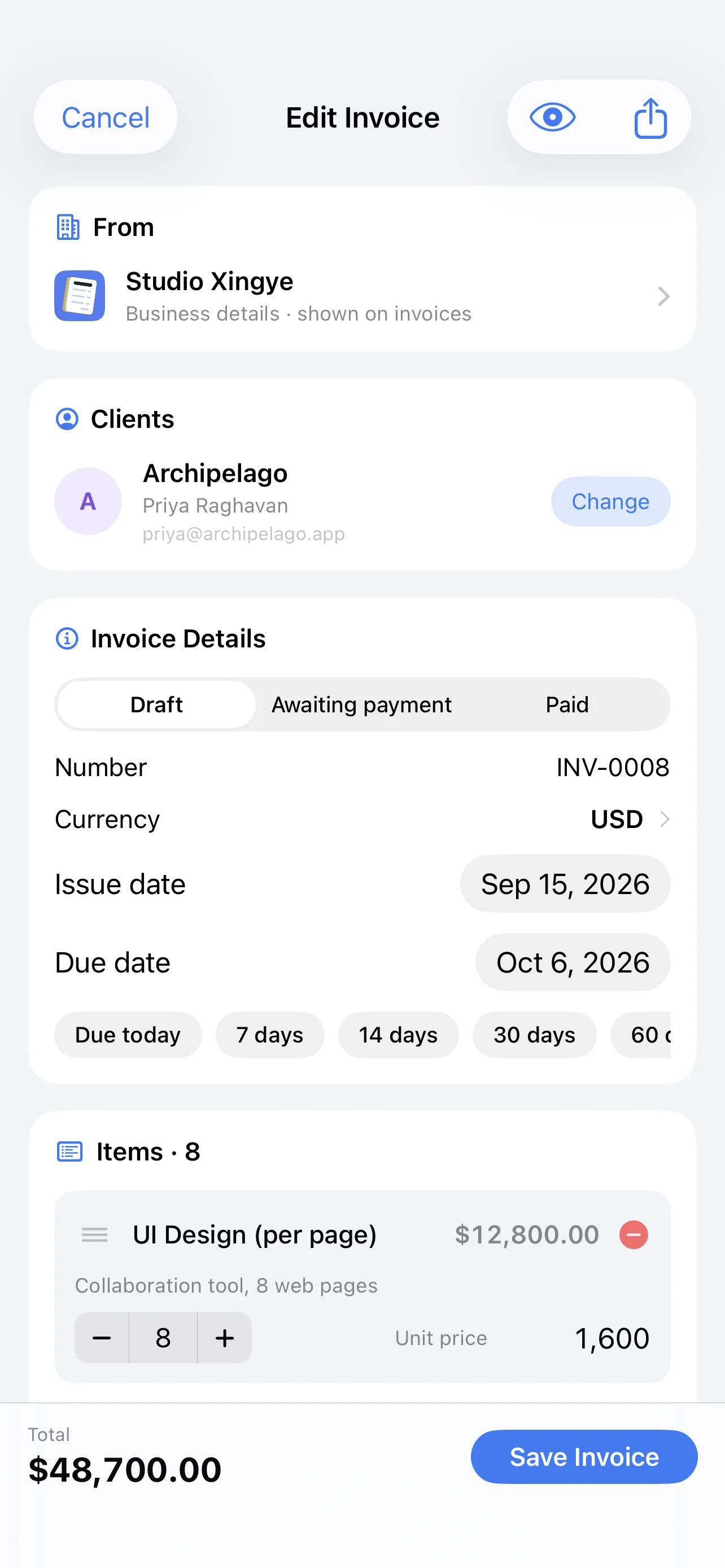
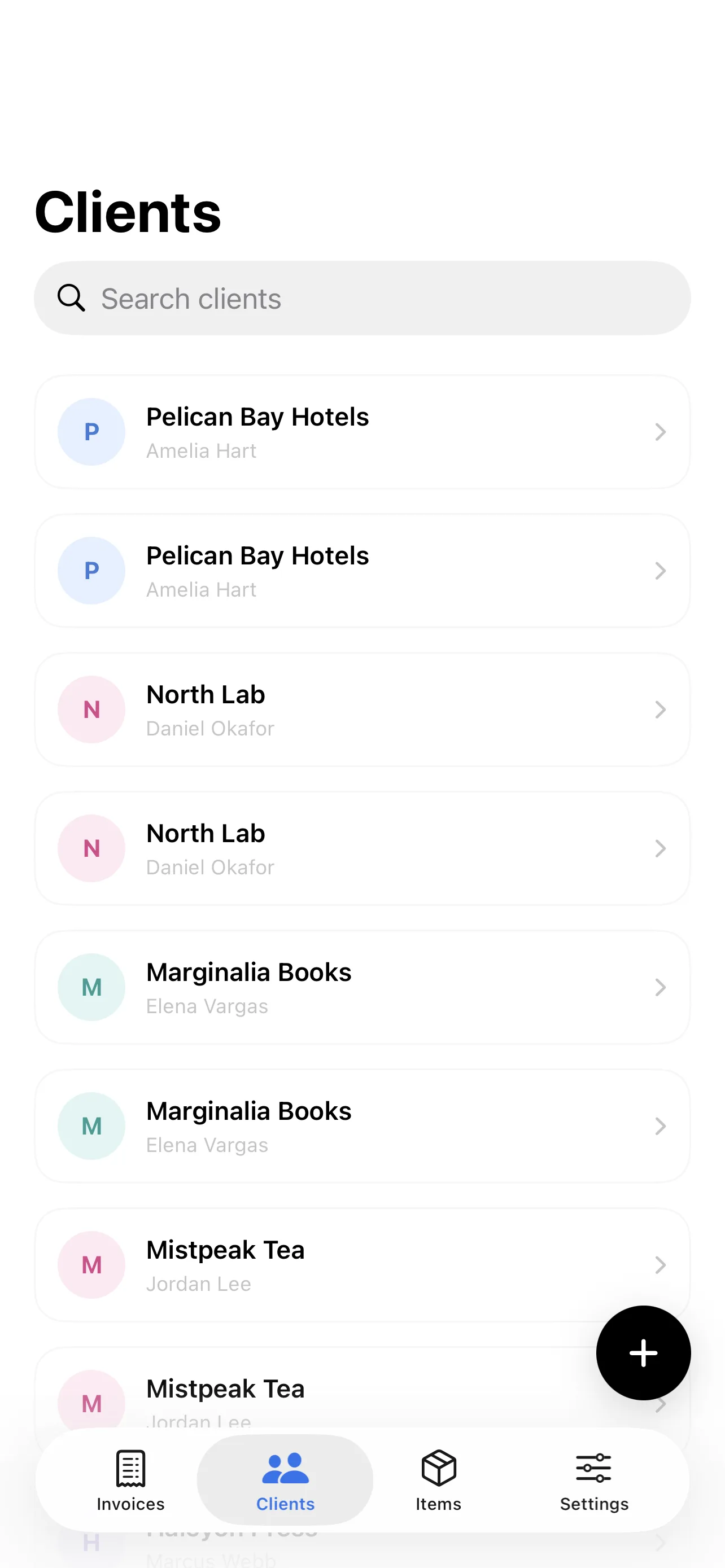
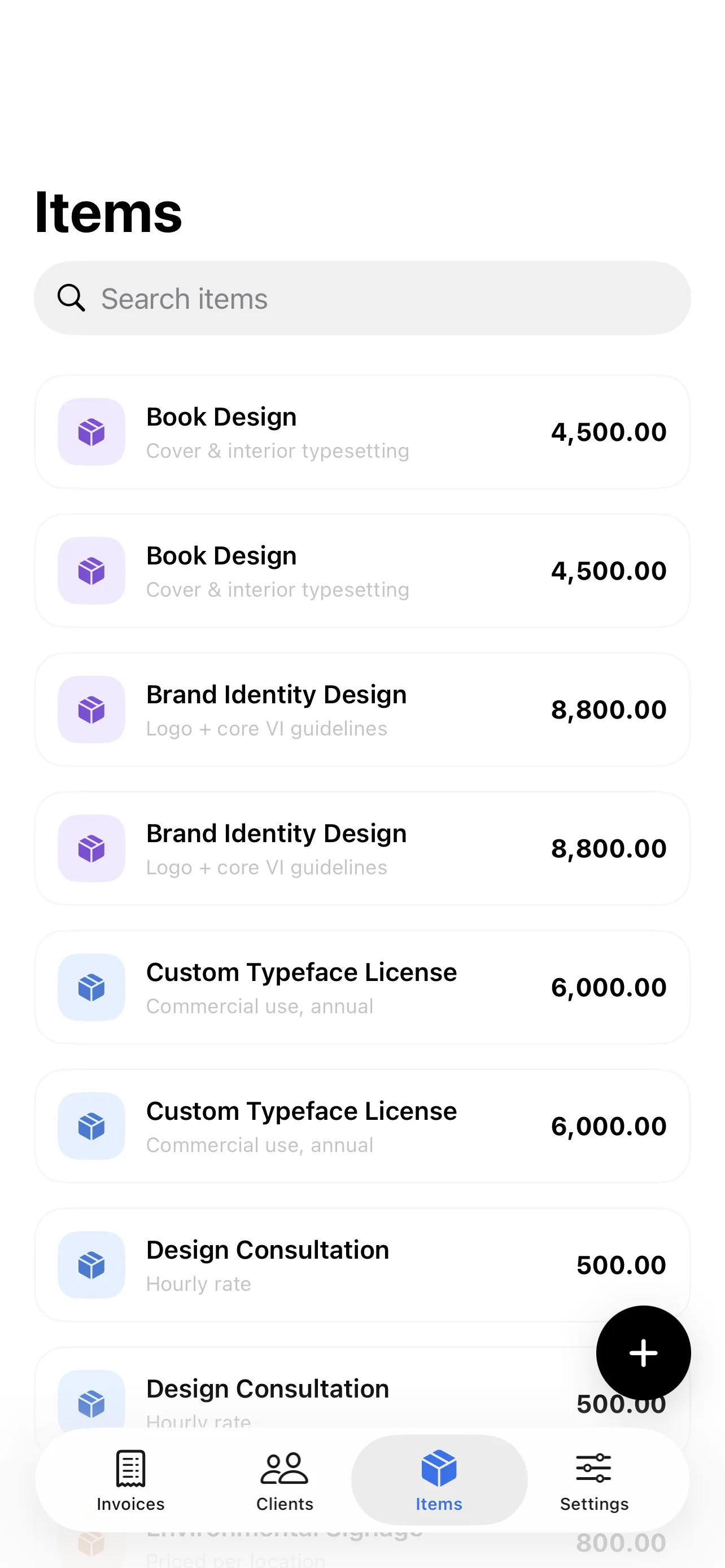
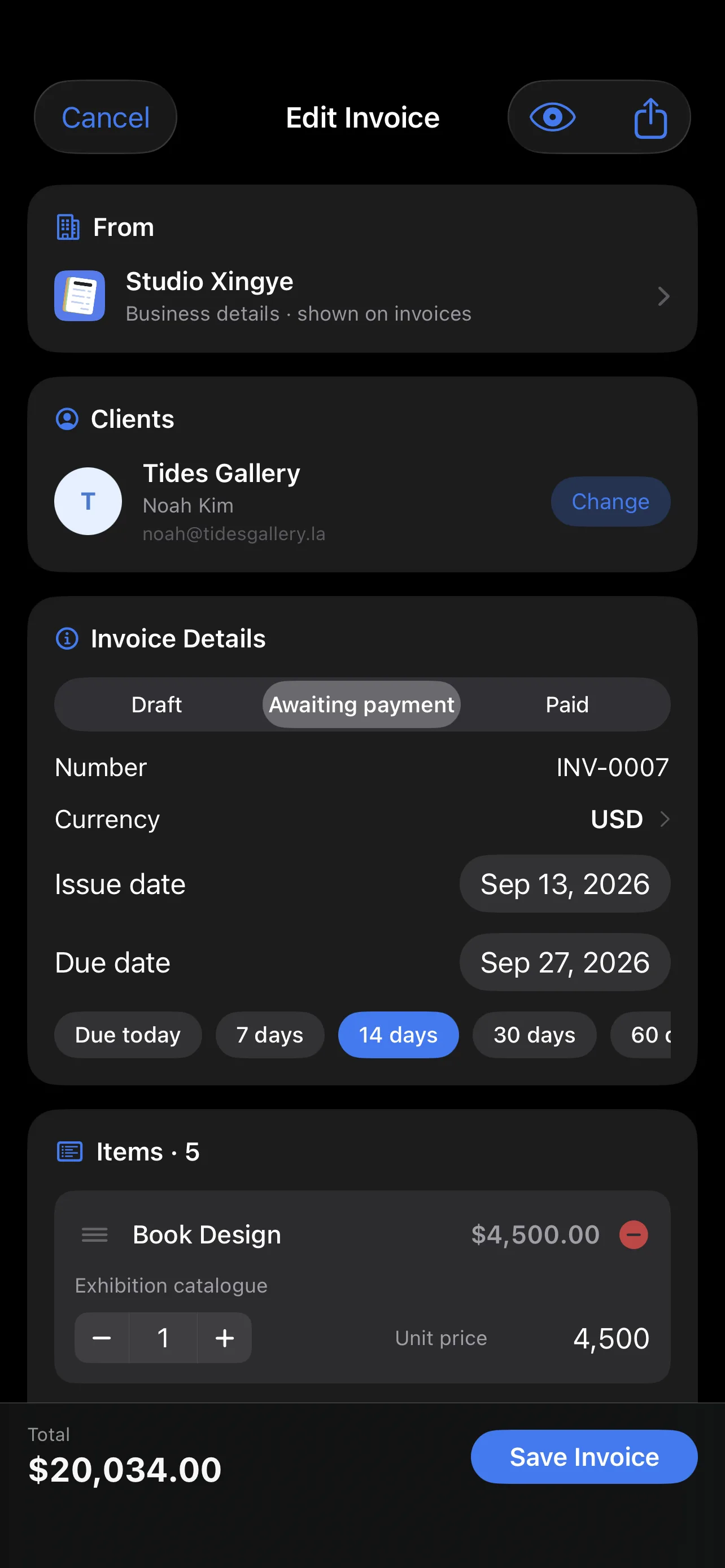
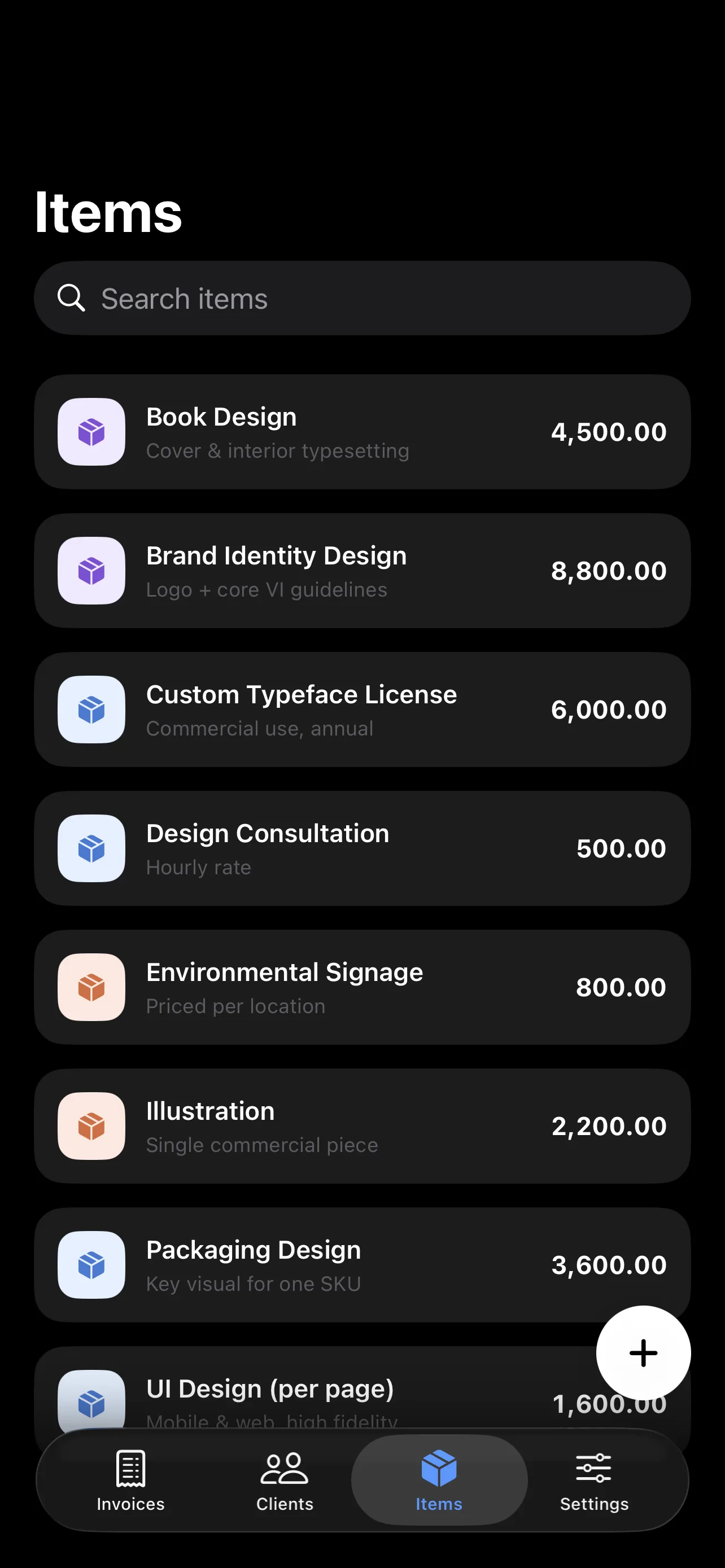
Pick a client, add items, export the PDF. Saved clients and a product catalog mean you never type the same thing twice. Invoice numbers auto-increment; payment terms are one tap away.
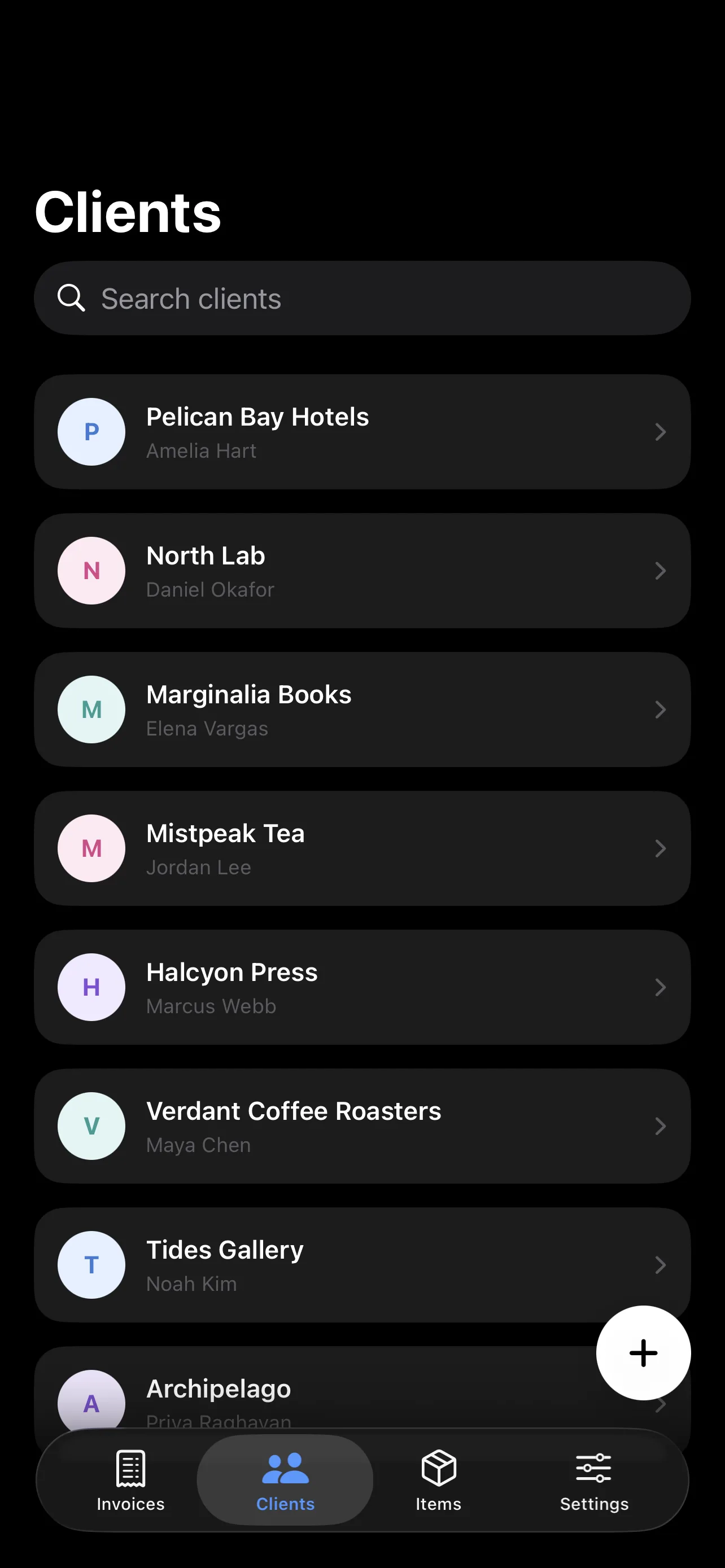
- Client & product library reuse
- Auto-incrementing invoice numbers
- Payment-term presets: today / 7 / 14 / 30 / 60 days
What you see is what you export
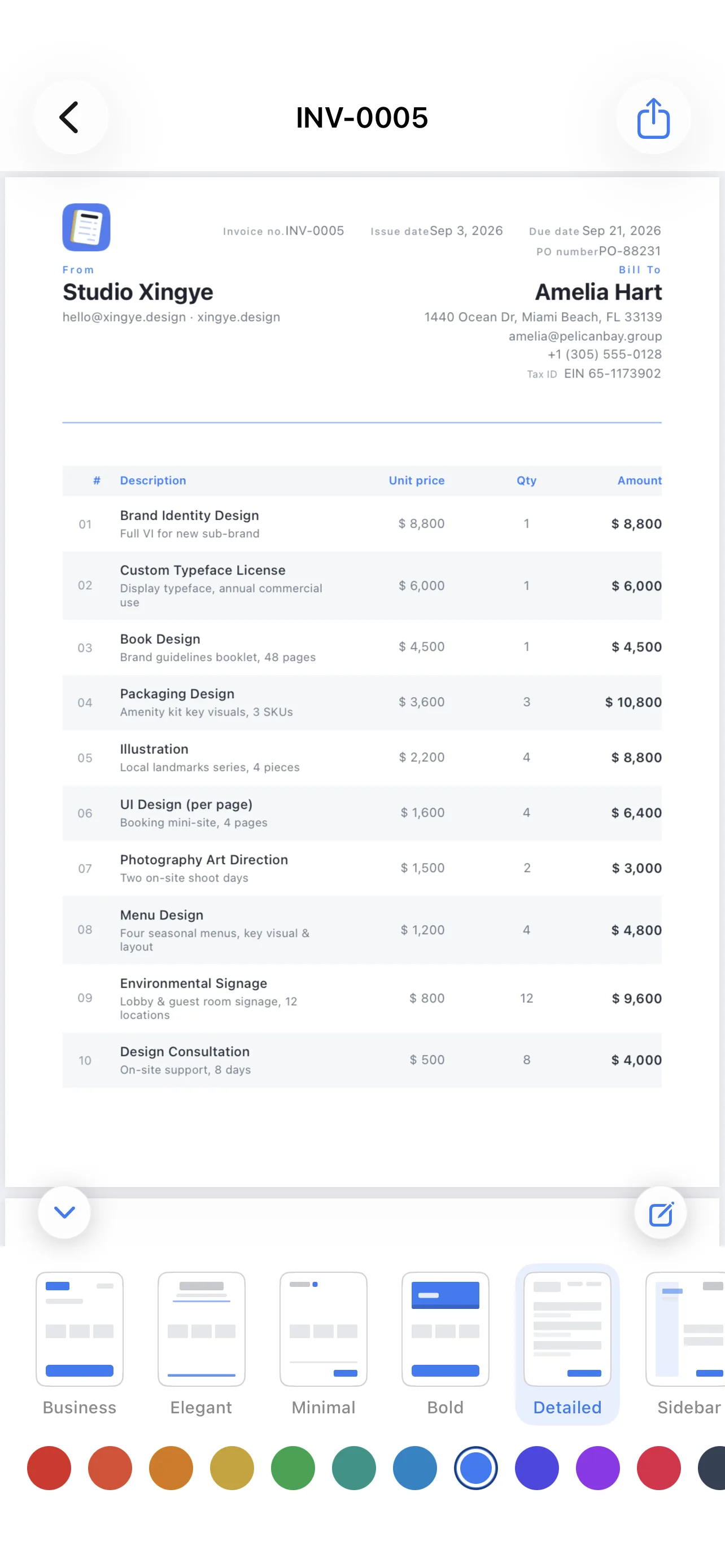
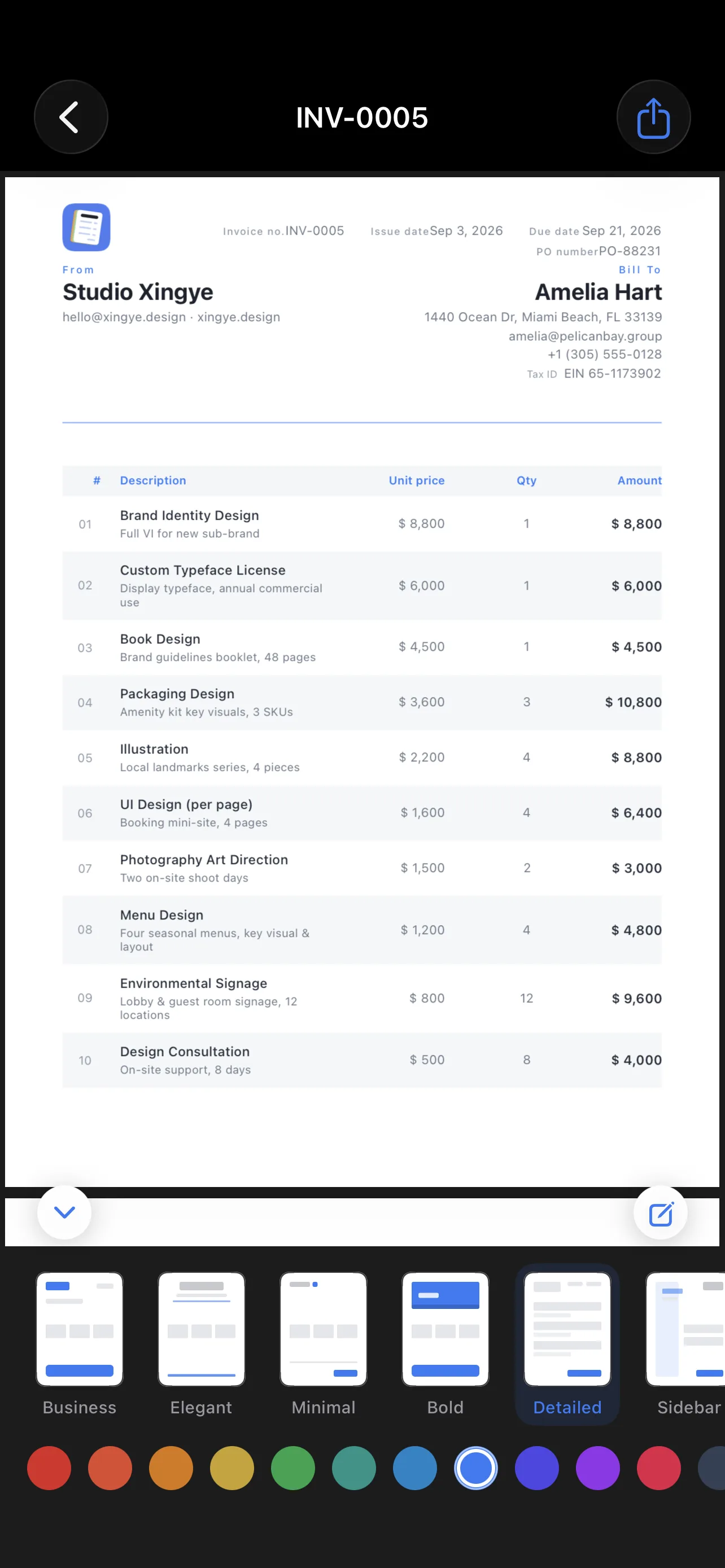
The preview is the exact PDF — rendered as vectors with Core Graphics, sharp on screen and in print. Six templates, twelve theme colors, your logo, and a handwritten signature.
- 6 templates: Business, Elegant, Minimal, Bold, Detailed, Sidebar
- 12 theme colors, switchable live
- A4 / Letter, multi-page with repeated headers
Math you can trust
Discounts, per-line tax overrides, shipping, and partial payments — computed by a pure-function engine covered by unit tests. Amounts in words, in English and Chinese.
- Per-line tax rates for mixed-rate invoices
- Partial payments and balance due
- 壹佰贰拾元整 / One Hundred Twenty
Get paid, keep track
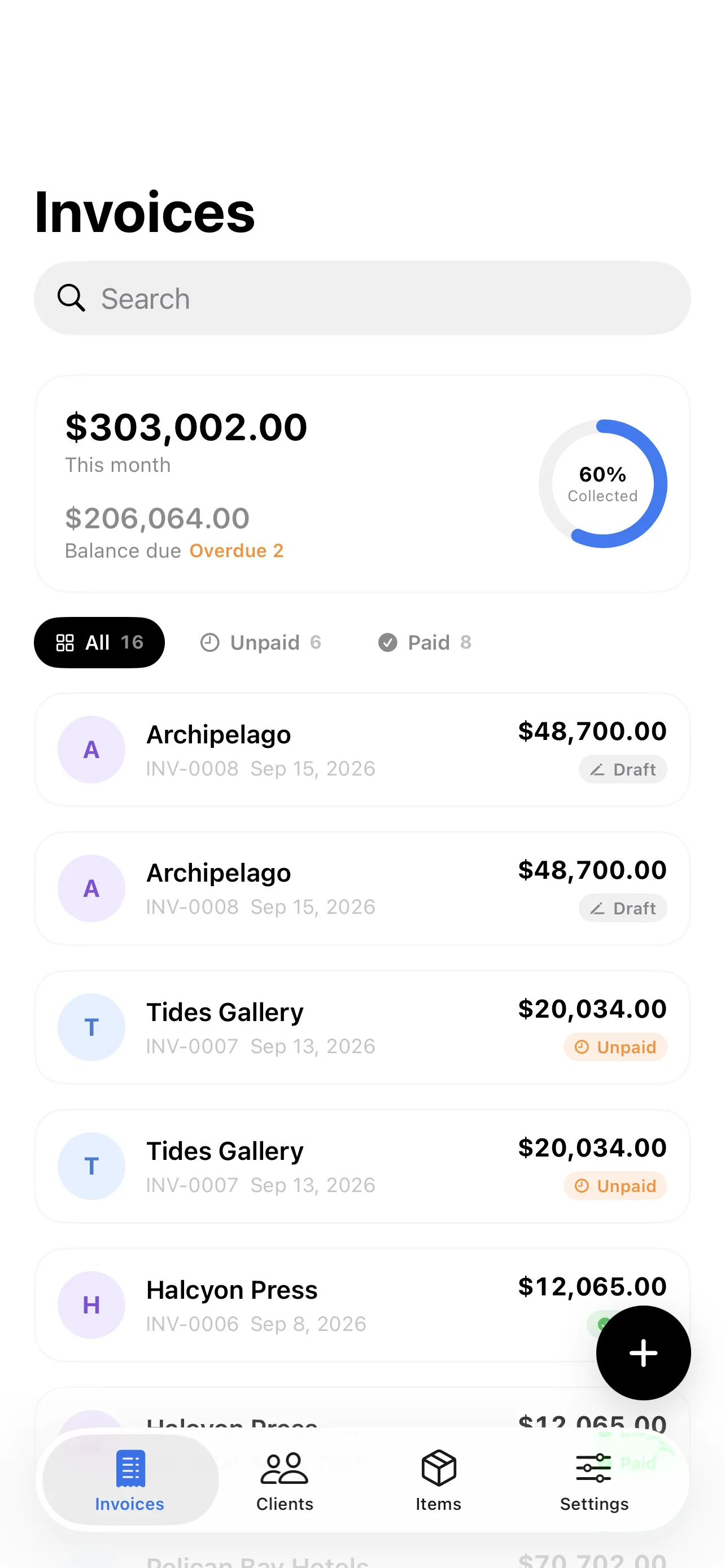
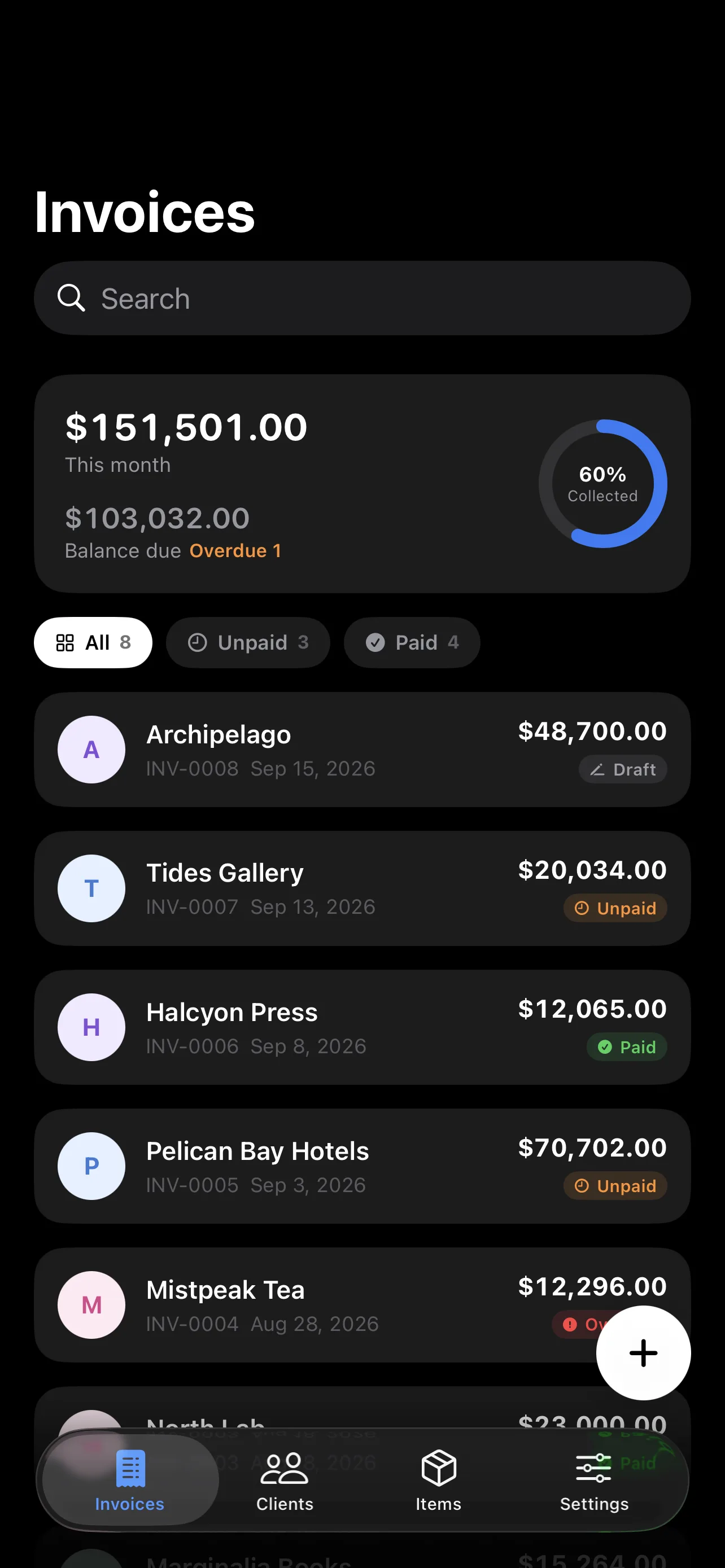
Invoices are marked unpaid or paid, and flagged overdue automatically. This month's invoiced, outstanding, and overdue totals sit at the top of your list.
Sync without an account
No sign-up. Your data syncs across iPhone and iPad through your own Apple ID via iCloud. Works fully offline; everything catches up when you're back.
We collect nothing.
No account. No servers of ours. No analytics, no tracking. Your invoices live on your devices and in your own private iCloud — the developer has no access.
Read the privacy policyQuestions, answered
What does “pay once” actually mean?
One App Store purchase unlocks everything, permanently — including future updates. There is no subscription, no in-app purchase, and no ads.
Where is my data stored?
On your device and in your own private iCloud. The developer runs no servers and has no access. Delete the app and local data is gone; iCloud data is managed under your Apple ID.
Which currencies are supported?
Every ISO currency, with configurable defaults for currency and tax rate.
Does it work on iPad?
Yes — Invoice Maker is designed for both iPhone and iPad, and syncs between them via iCloud.
Is it available in my language?
English and Simplified Chinese ship together, switchable in-app, with date and currency formats following along.
Ready when you are.
One-time purchase · No in-app purchases · No subscription